Minecraft Gaming Room Setup
dweltfir220InteriorsMC 1.19.1 Java.schem · 3 KB
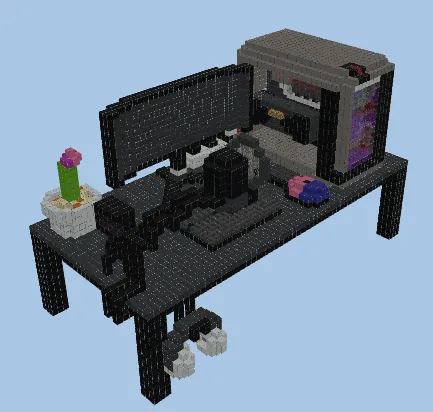
At a glance
About this build
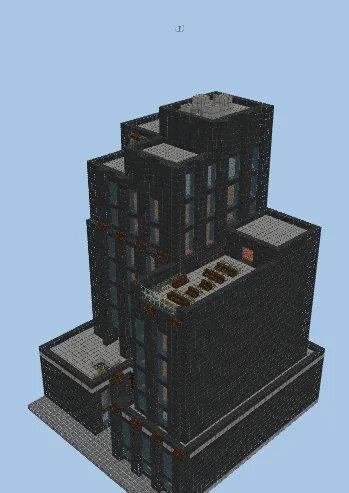
Minecraft Gaming Room Setup is a interiors schematic measuring 33 × 41 × 63 blocks by dweltfir220. It uses 9,085 blocks across 27 block types. The build leans on black concrete, gray concrete. It was built in Minecraft 1.19.1 Java Edition and loads in that version or newer. Litematica rates the rebuild as advanced. Preview it in 3D layer by layer, then download the SCHEM file and paste it in with Litematica or WorldEdit.
Built by dweltfir220.
Blocks you will need
27 block types · 9,085 blocks total · 1 stack = 64
FAQ
How do I download and build Minecraft Gaming Room Setup?
Use the download button above to grab the .schem file (3 KB), drop it in your .minecraft/schematics folder, then load it in Litematica and place it where you want to build. WorldEdit reads this format too, with //schem load.
Which Minecraft version does Minecraft Gaming Room Setup work with?
It was built in Minecraft 1.19.1 (Java Edition) and loads in that version or newer — Litematica handles the differences between versions.
How many blocks does it take?
It needs 9,085 blocks across 27 different block types. The full material list is on this page, and the Copy list button gives you it as text.
Is it free?
Yes. Every schematic on 9Minecraft is a free download — no account and no sign-up.
Rate this build
Comments
Related builds
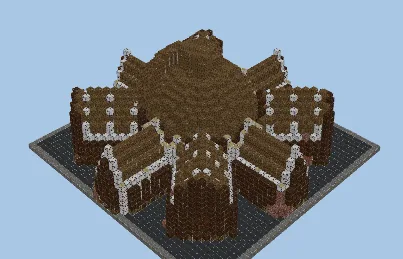
Octagonal Hotel Interior Design
8,087 blocks · 47 × 55 × 46
by ukadirtking

Casino Interiors
6,130 blocks · 23 × 12 × 35
by LeonisBuilds
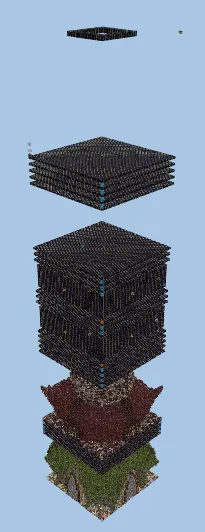
3x3 Factions Base Interior Design
46 × 242 × 46
by Insideminecraft
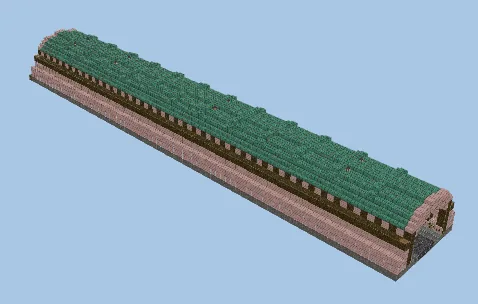
Underground Trading Hall Interior Design
3,891 blocks · 80 × 9 × 14
by Naxodzl
Unfurnished Office Building Structure
29,234 blocks · 40 × 67 × 43
by iStealNFTs_