Gaming PC Component Display
Structures8,436.litematic · 59 KB
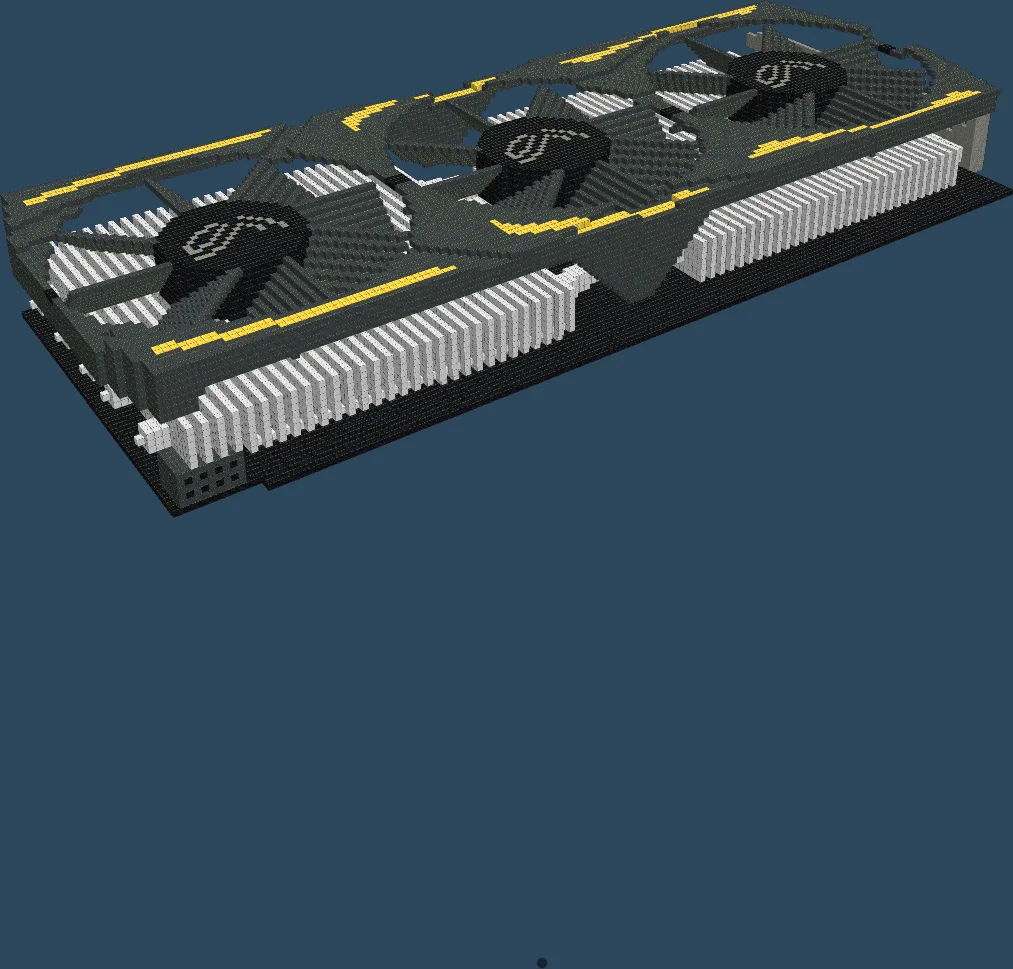
At a glance
About this build
Gaming PC Component Display is a structures schematic measuring 166 × 21 × 71 blocks. It uses 64,973 blocks across 11 block types. The build leans on iron block, black wool. Litematica rates the rebuild as advanced. Preview it in 3D layer by layer, then download the LITEMATIC file and paste it in with Litematica or WorldEdit.
FAQ
How do I download and build Gaming PC Component Display?
Use the download button above to grab the .litematic file (59 KB), drop it in your .minecraft/schematics folder, then load it in Litematica and place it where you want to build. Litematica is the tool that reads this format.
How many blocks does it take?
It needs 64,973 blocks across 11 different block types. The full material list is on this page, and the Copy list button gives you it as text.
Is it free?
Yes. Every schematic on 9Minecraft is a free download — no account and no sign-up.
Related builds
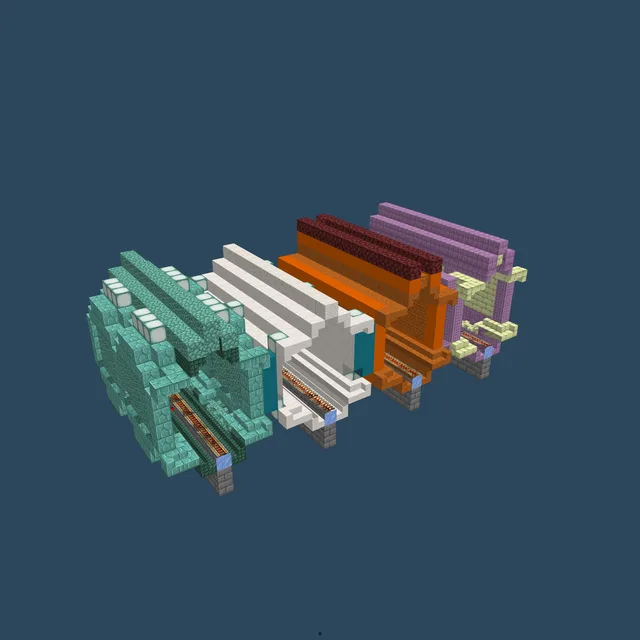
StrangeCraft3 Four Narrow Tunnels
1,699 blocks · 31 × 12 × 14
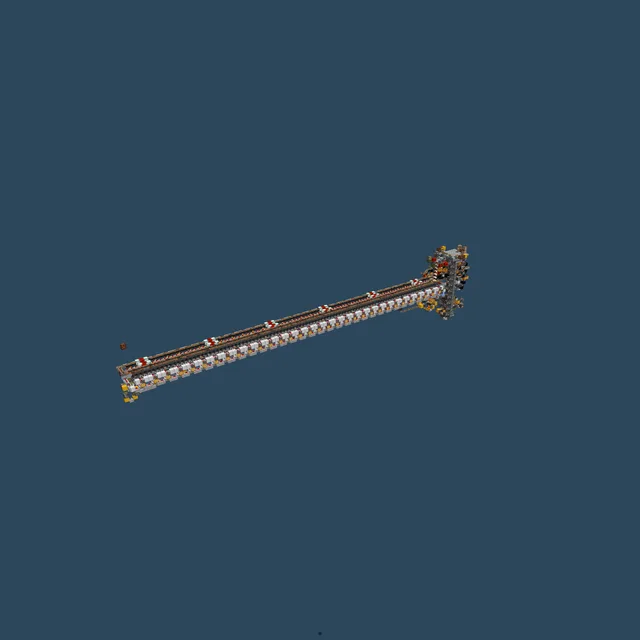
Khaos Forge (192 Furnace Array)
4,593 blocks · 109 × 22 × 10
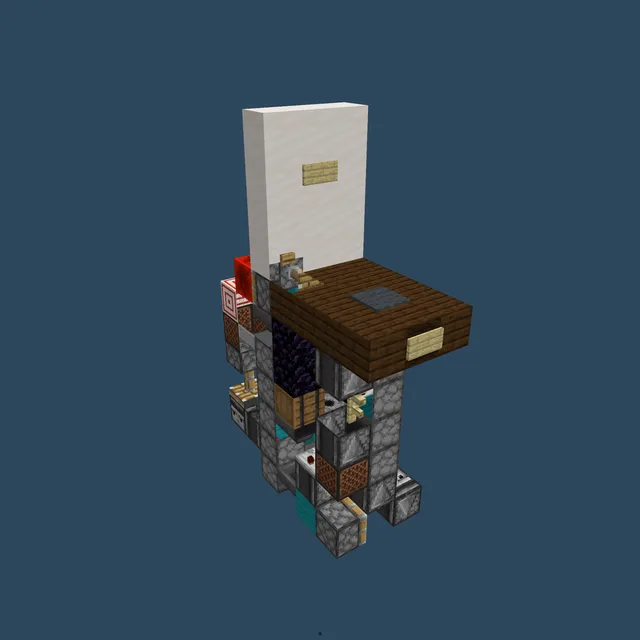
Armor Equiper
114 blocks · 3 × 11 × 9
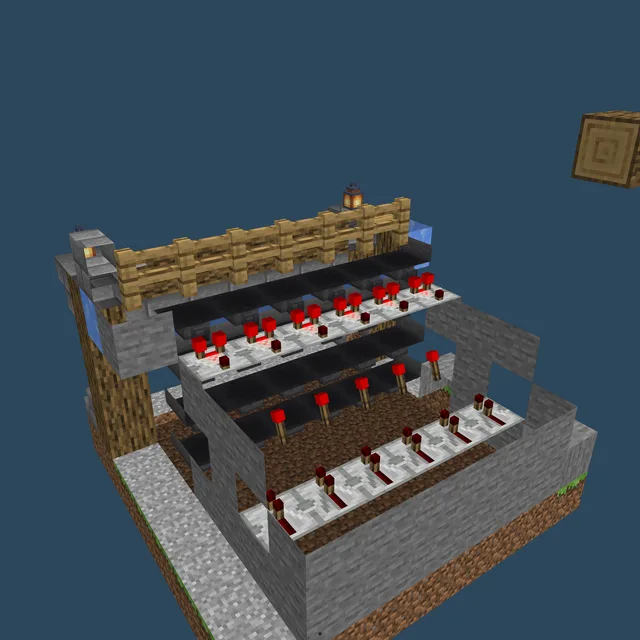
Epic Sorting System
262 blocks · 8 × 8 × 8
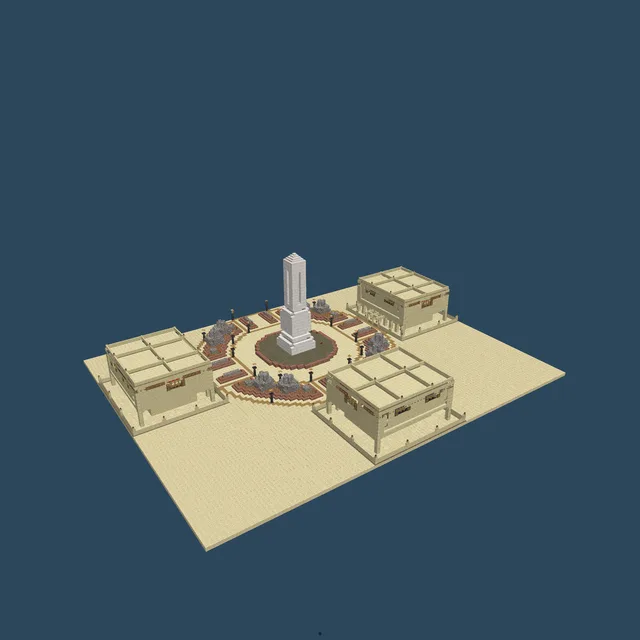
Desert Trading Halls
24,572 blocks · 117 × 34 × 91
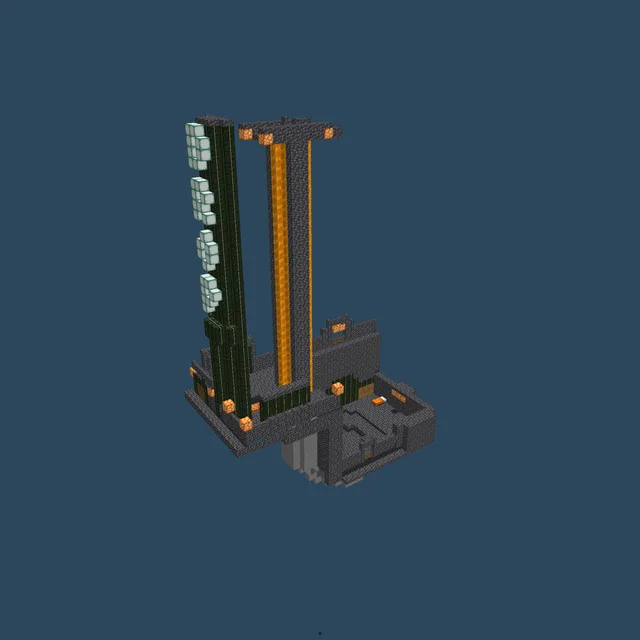
2 Mini Games in 1, Arrow Shot Drop/ Drop Pad(Hermitcraft Inspired) put 1 water bucket in each dispenser, check linked vi
2,247 blocks · 31 × 50 × 16