Computer Motherboard Pixel Art
Pixel Art624.litematic · 65 KB

At a glance
About this build
Computer Motherboard Pixel Art is a pixel art schematic measuring 128 × 22 × 130 blocks. It uses 42,664 blocks across 46 block types. The build leans on gray wool, light gray wool. Litematica rates the rebuild as advanced. Preview it in 3D layer by layer, then download the LITEMATIC file and paste it in with Litematica or WorldEdit.
FAQ
How do I download and build Computer Motherboard Pixel Art?
Use the download button above to grab the .litematic file (65 KB), drop it in your .minecraft/schematics folder, then load it in Litematica and place it where you want to build. Litematica is the tool that reads this format.
How many blocks does it take?
It needs 42,664 blocks across 46 different block types. The full material list is on this page, and the Copy list button gives you it as text.
Is it free?
Yes. Every schematic on 9Minecraft is a free download — no account and no sign-up.
Related builds
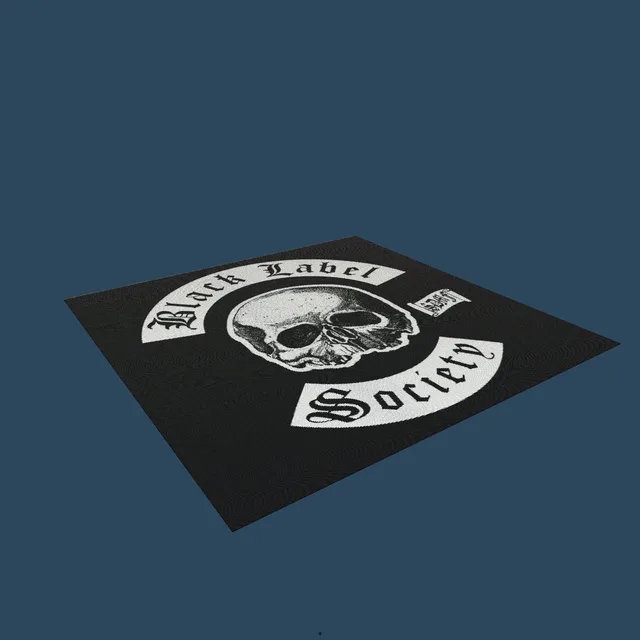
Black Label Society Heavy metal music band map art
147,840 blocks · 384 × 1 × 385
StrangeCraft Map Art
16,384 blocks · 128 × 120 × 128

Hello Kitty Pixel Art
369 blocks · 1 × 26 × 27
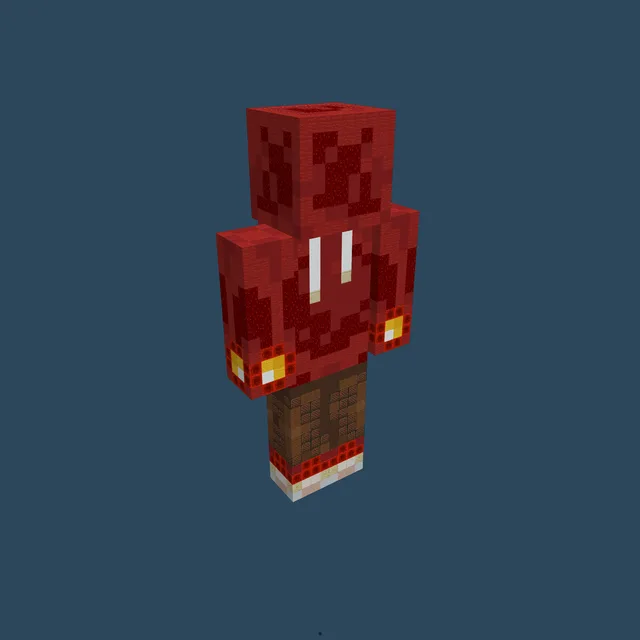
Statue Of XxXREDSTONERXxX
972 blocks · 16 × 33 × 8
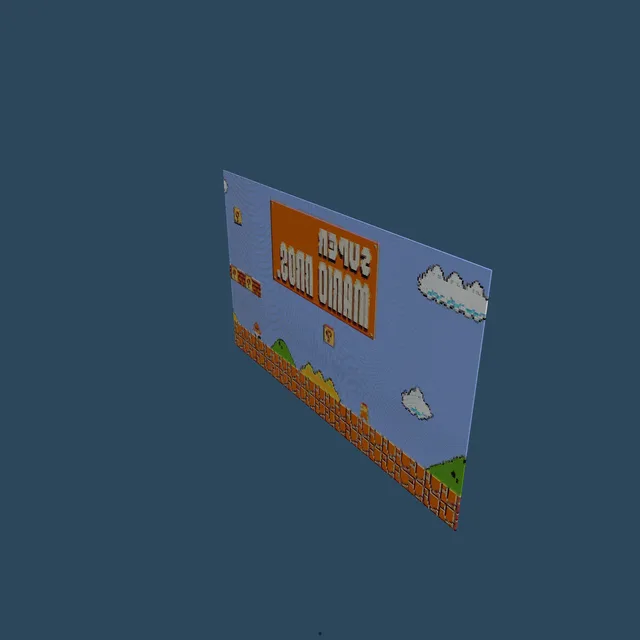
Super Mario Bros
43,566 blocks · 1 × 159 × 274

Sea Turtle Pixel Art
9,506 blocks · 97 × 1 × 98